What it does
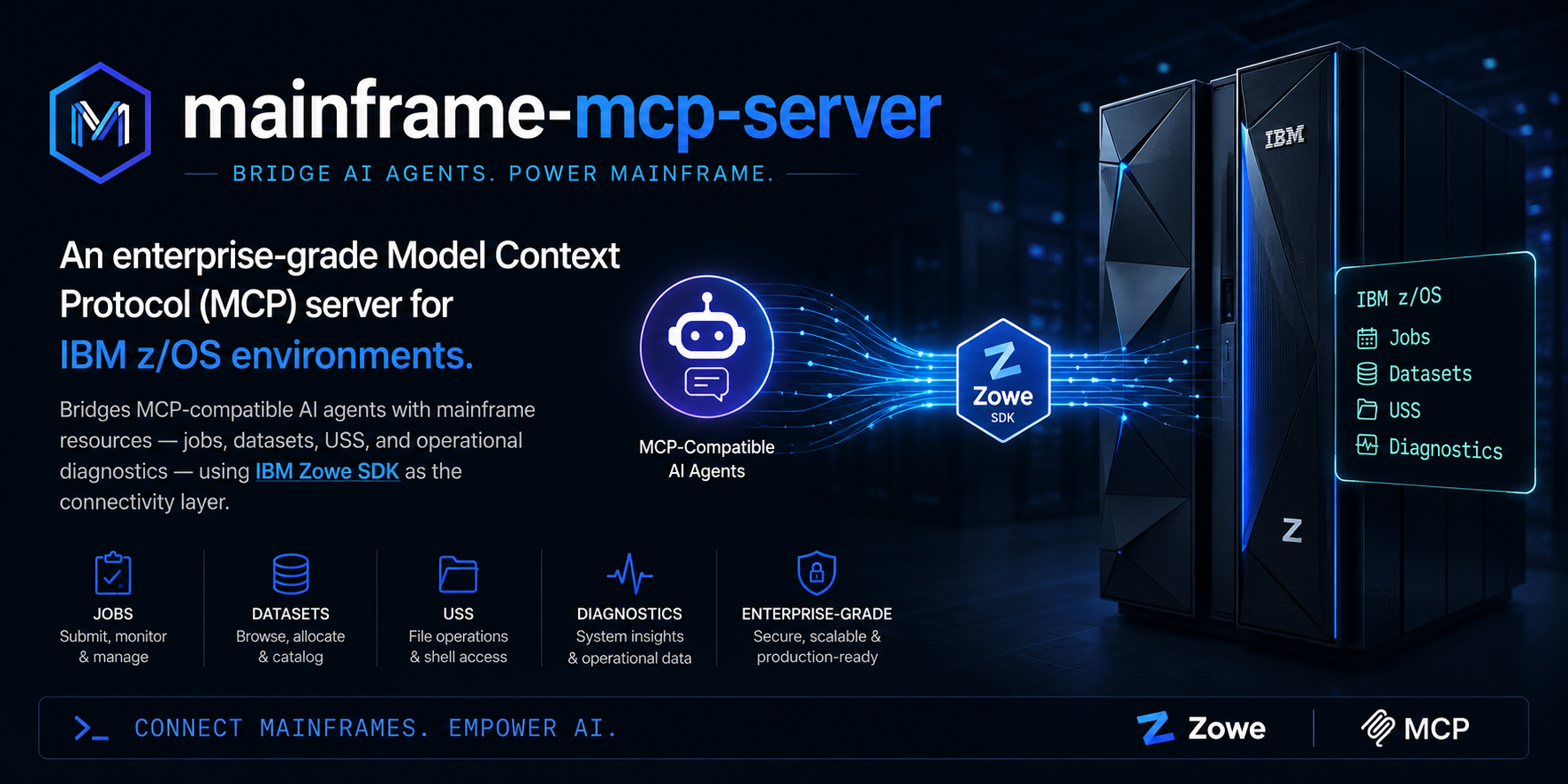
mainframe-mcp-server turns z/OS capabilities into MCP tools an AI agent can call.
Instead of typing Zowe CLI commands, you ask in natural language — “why did PAYJOB01 fail?” —
and the agent invokes the right tool with validated inputs and structured output.
MCP tool layer
30+ tools for jobs, datasets, USS, operations, CICS, Db2, SMF, security, and intelligence — designed for LLM parsing.
Zowe connectivity
Uses the same z/OSMF REST APIs as Zowe CLI and Zowe Explorer. Not a replacement for IDz or Z Open Editor — a bridge for AI assistants.
stdio by default
IDE launches the server as a local process. JSON-RPC on stdin/stdout; logs on stderr. No MCP HTTP port unless you explicitly enable SSE.
IDE-driven config
No .env file. Connection settings live in your MCP client config (env block). Installers prompt from server.json metadata.
How it's different
This server fills a gap cloud-native MCP tools cannot: governed, structured access to the mainframe for AI workflows.
Swipe horizontally to see all columns →
| mainframe-mcp-server | Zowe CLI | IBM IDz / RSE | Cloud MCP (K8s, AWS…) | |
|---|---|---|---|---|
| Interface | MCP tools for AI agents | Terminal commands | Eclipse IDE / RSE | MCP for cloud stacks |
| z/OS coverage | Jobs, datasets, USS, diagnostics, CICS, Db2 | Full Zowe command set | Edit, debug, compile | None |
| Workflow | “Why did this job fail?” | Manual scripting | Interactive development | N/A for mainframe |
| Output | Structured sections & tables for LLMs | Raw terminal text | IDE views | N/A |
| Requires | z/OSMF REST + MCP client | z/OSMF / profiles | RSE / subsystem connection | Cloud API credentials |
Features
Built in phases for operational intelligence, enterprise platforms, and security controls.
Core (Phase 1)
Job listing, status, spool output, JCL submit, dataset & PDS read/search, failure analysis, safety limits on response size.
Operations (Phase 2)
USS tools, investigate_incident, system_health_summary, abend lookup, structured AI-friendly responses, integration test suite.
Enterprise (Phase 3)
CICS CMCI, Db2 REST catalog, SMF/RMF metrics, RACF audit queries, root-cause analysis, predictive batch failure scoring.
Security layer
Read-only mode, tool allow/block lists, dataset & USS boundaries, audit logging, JCL size caps — enforced at the MCP server in addition to RACF.
Tools reference
Full input/output details: tools-reference.md
Jobs
list_jobsList jobs by owner, prefix, or statusget_job_statusStatus and return code for a jobget_job_outputSpool inventory or DD contentsubmit_jclSubmit inline JCL (blocked in read-only mode)analyze_job_failureAbend code, failing step, suggested fixget_job_jclRetrieve submitted JCL from job spoolDatasets
list_datasetsList datasets matching an HLQ patternread_datasetRead a sequential dataset or PDS membersearch_datasetSearch datasets by patternsearch_membersSearch or list PDS membersget_dataset_infoCatalog attributes without reading contentUSS
list_uss_directoryList a USS directoryread_uss_fileRead a USS filesearch_uss_filesSearch files under a USS pathOperations
find_failed_jobsFailed jobs in a time windowsummarize_abendsAbend breakdown across recent jobssystem_health_summaryHEALTHY / DEGRADED / CRITICAL snapshotinvestigate_incidentFull incident bundle for a joblookup_abend_codeReference for S0C7, S806, S222, S0C4, …verify_zosmf_connectionTest z/OSMF connectivity and auth — run this firstcompare_jobsSide-by-side comparison of two jobsget_user_jobs_summaryJob counts by status for an ownerCICS · Db2 · SMF · Security · Intelligence
list_cics_regionsList CICS regions via CMCI RESTget_cics_region_statusStatus and attributes of a CICS regionlist_cics_transactionsTransaction definitions in a regionlist_db2_subsystemsList Db2 locations via Db2 RESTsearch_db2_catalogSearch catalog tables and viewsget_smf_metricsSMF/RMF performance metrics snapshotquery_racf_auditQuery RACF audit records from a log sourcesecurity_posture_summaryActive security controls and recommendationsanalyze_root_causeDeep root-cause analysis with action itemspredict_batch_failuresPredictive risk scoring for batch failuresSetup instructions
Requirements: Node.js 18+, reachable z/OSMF endpoint, valid z/OS credentials (user/password or token).
Option A — Install via npm (recommended)
Published as @notharshhaa/mainframe-mcp-server. Listed on the MCP registry.
-
Add to your MCP client
Cursor:
~/.cursor/mcp.json· VS Code: MCP settings · Claude Desktop:claude_desktop_config.json -
Paste the server block
The IDE installer may prompt for values from
server.json. Credentials go in theenvblock — not a.envfile. -
Restart the IDE and test
Ask the agent to run
verify_zosmf_connection, thenlist_jobs.
{
  "mcpServers": {
    "mainframe": {
      "command": "npx",
      "args": ["-y", "@notharshhaa/mainframe-mcp-server"],
      "env": {
        "ZOSMF_HOST": "your-zosmf-host.internal",
        "ZOSMF_PORT": "443",
        "ZOSMF_USER": "your-username",
        "ZOSMF_PASSWORD": "your-password",
        "ZOSMF_REJECT_UNAUTHORIZED": "true",
        "SECURITY_READ_ONLY": "false",
        "SECURITY_AUDIT_LOGGING": "true"
      }
    }
  }
}
Option B — Run from source (VDI / internal Artifactory)
For environments that block public npm — clone the repo, install dependencies from your internal registry, build locally.
git clone https://github.com/NotHarshhaa/mainframe-mcp-server.git
cd mainframe-mcp-server
npm ci          # against your internal JFrog/npm mirror
npm run build
npm test          # unit tests, no mainframe required
{
  "mcpServers": {
    "mainframe": {
      "command": "node",
      "args": ["/absolute/path/to/mainframe-mcp-server/dist/index.js"],
      "env": {
        "ZOSMF_HOST": "your-zosmf-host.internal",
        "ZOSMF_PORT": "443",
        "ZOSMF_USER": "your-username",
        "ZOSMF_PASSWORD": "your-password"
      }
    }
  }
}
MCP_TRANSPORT=sse if your organization requires stdio-only MCP.
Omit MCP_TRANSPORT entirely — stdio is the default.
Required environment variables
Swipe horizontally to see all columns →
| Variable | Required | Description |
|---|---|---|
ZOSMF_HOST | Yes | z/OSMF hostname or IP |
ZOSMF_USER / ZOSMF_PASSWORD | Yes* | Basic auth credentials |
ZOSMF_TOKEN | Yes* | Token auth (alternative to password) |
ZOSMF_PORT | No | HTTPS port (default 443) |
ZOSMF_BASE_PATH | No | API gateway prefix if applicable |
ZOSMF_REJECT_UNAUTHORIZED | No | TLS verification (default true) |
* Provide either user/password or a token.
Full reference: configuration.md · deployment.md · mcp-client.example.json
Enterprise deployment
Security controls enforced at the MCP server layer — in addition to RACF and z/OSMF permissions.
Swipe horizontally to see all columns →
| Control | Variable | Purpose |
|---|---|---|
| Read-only mode | SECURITY_READ_ONLY=true | Blocks submit_jcl and write tools |
| Tool allowlist | SECURITY_ALLOWED_TOOLS | Least-privilege tool access |
| Tool blocklist | SECURITY_BLOCKED_TOOLS | Explicitly deny tools |
| Dataset boundaries | SECURITY_ALLOWED_DATASET_PATTERNS | Restrict HLQ patterns |
| USS boundaries | SECURITY_ALLOWED_USS_PATHS | Restrict path prefixes |
| Audit logging | SECURITY_AUDIT_LOGGING=true | JSON audit line per tool call (stderr) |
| JCL size limit | SECURITY_MAX_JCL_BYTES | Cap inline JCL submit size |
verify_zosmf_connection · security_posture_summary · start with
SECURITY_READ_ONLY=true.
Examples
Natural-language prompts map to MCP tool calls with structured responses.
Tool: analyze_job_failure({ jobId: "JOB01234" })

Job:     PAYJOB01 (JOB01234)
Status:  ABEND S806
Step:    STEP030 - LOADPGM
Reason:  Program load failure — module PAYRPTX not found
Fix:     Verify PAYRPTX is compiled and linked into the correct load library.
Tool: find_failed_jobs({ hours: 24 })
Tool: lookup_abend_code({ code: "S0C7" })
Tool: predict_batch_failures({ hours: 168 })